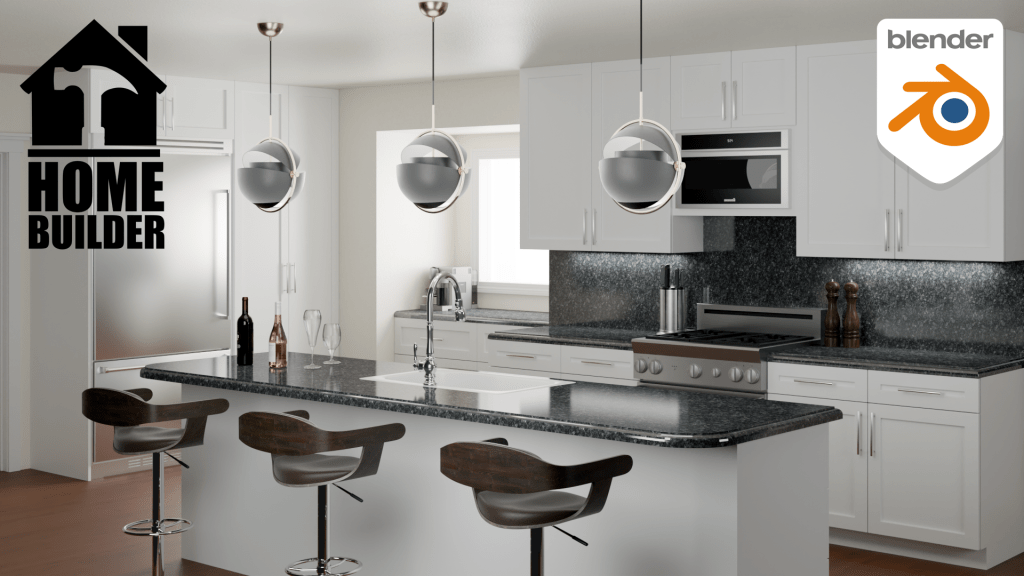
With the release of Blender 4 some changes need to be made to Home Builder to get the add-on working with the latest release. To avoid confusion and keep things lined up with Blender I am going to roll the number to Home Builder 4 which works with the latest version of Blender.
This version will only work with Blender 4. I will keep the previous version of Home Builder around for anyone who needs to use Blender 3.6, but all new development will be done on Home Builder 4.
If you watched the previous video on Home Builder 3. You will know that there are a number of tasks I was working on before I release the official version of Home Builder. These tasks included:
- Tutorials & Documentation
- 2D Layout Views
- Migrating the Extended Asset Library
- Manufacturing
- Geometry Nodes
I have made good progress on all of these tasks, but there are a few things to wrap up before the official release.
Tutorials & Documentation
This will be an ongoing project, but I have an online platform to store Home Builder documentation that is easy to maintain. For now I am considering this task done, but I plan to create a lot more written and video tutorials for Home Builder.
You can view the documentation here.
2D Layout Views
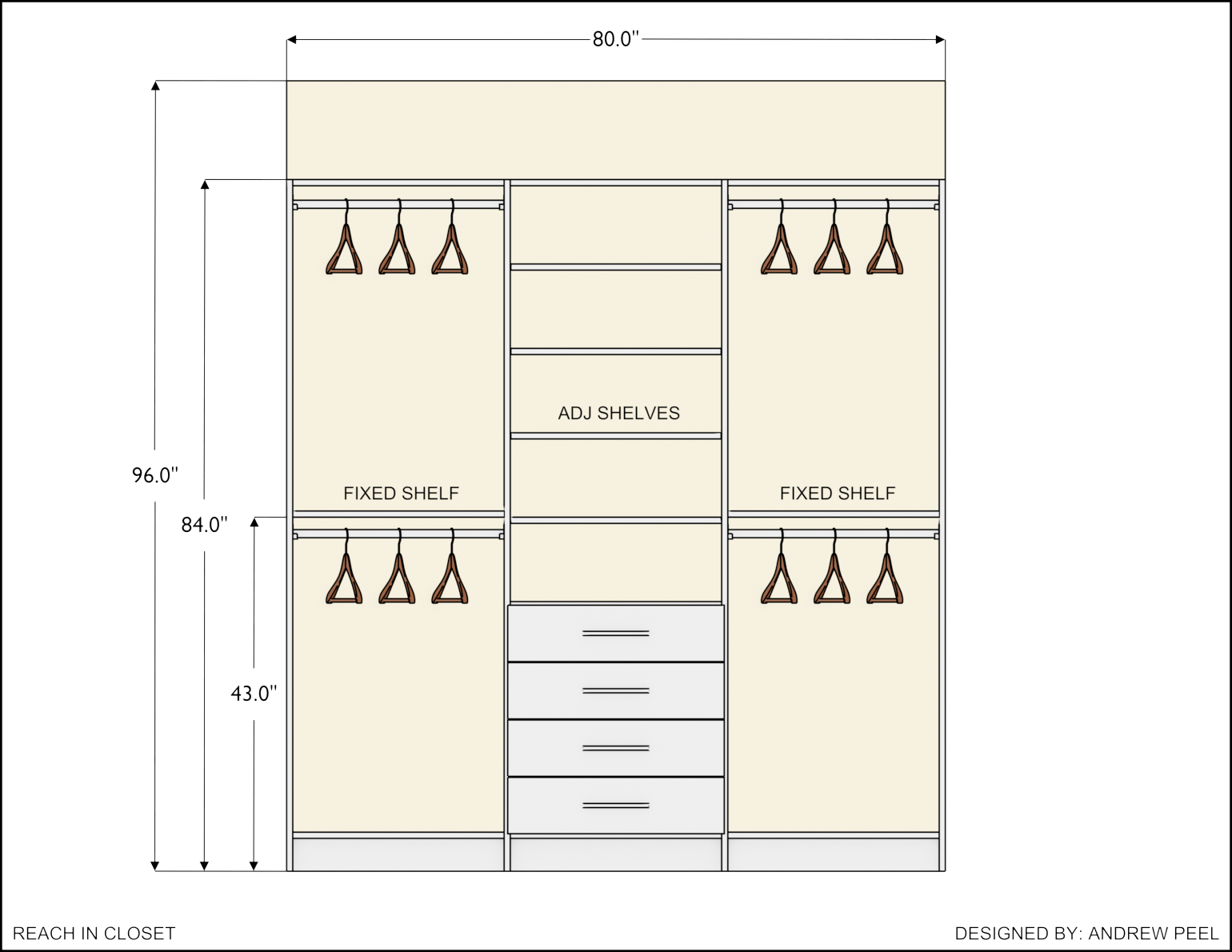
This feature is designed to create quick plan and elevation drawings for designers.
If you are an architect designing entire buildings these drawings might not contain enough details for your work, but currently work well for Kitchen, Bath, and Closet Designers. This feature will be improved in future releases.
Here are some examples that can be created with Home Builder.


Migrating the Extended Asset Library
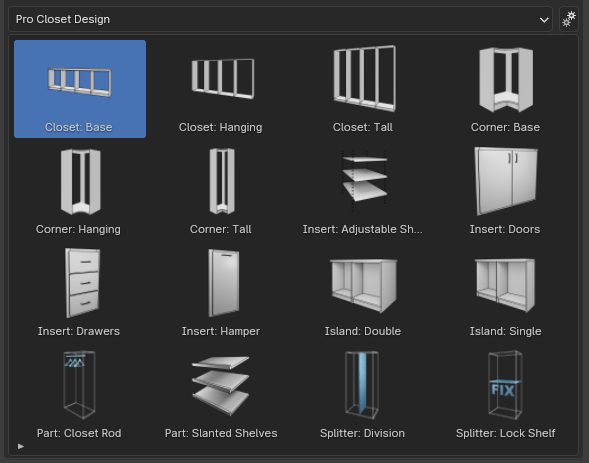
The first release of the extended asset library was basically a bunch of additional assets that loaded into the library which is nice, but I want the paid aspect of Home Builder to be geared towards professional designers. So the next release of the extended asset library will include a professional kitchen and closet design library.
These libraries are still being developed, but anyone who purchased the extended asset library will automatically get access to these libraries when they are available.
These libraries will not only include all of the components to design specific spaces, but will include improved placement functionality, and automated creation of 2D drawing for these types of spaces.

Manufacturing
Being able to manufacture the cabinets used in your design is an important aspect to this project. With the implementation of Geometry Nodes cabinet cut parts now have specific properties that define their length, width, and thickness to accurately report part sizes.

Example reports will be included in the professional design libraries, but customizations may need to be made to get company specific construction and pricing information.
Geometry Nodes
Geometry Nodes are now being used in Home Builder to create a large part of the geometry for Home Builder assets. All of the cabinets available in the professional libraries are created using pre setup node groups. The dimensions that display in the 2D Layout Views and during placement commands are also created using geometry nodes.
What Needs to Be Finished
I am getting close to being able to release the official version of Home Builder, but there are a few fixes that need to be made.
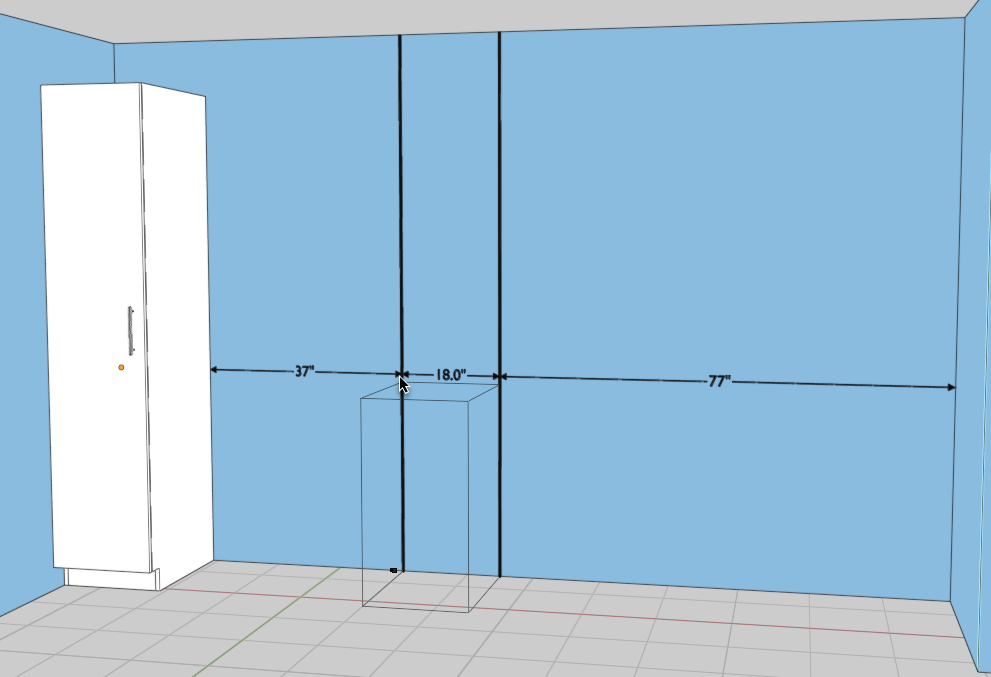
- Metric and Imperial Dimensions – Since I am now using geometry nodes to create dimensions. I need to find a way to access the scene unit settings through geometry nodes. If there are users who are familiar with geometry nodes and might know a way to solve this please reach out on discord or my contact page.
- Placing Dimensions on Layout Views – Placing dimensions is easy to do with the new system, but for some reason ray casting doesn’t work when viewing an elevation from the camera view. If there are any developers who are familiar with ray casting using the Blender Python API please reach out on discord or my contact page.
- Finish Professional Libraries for Extended Asset Library – I am working with some professionals on developing the best possible workflow for designing kitchens, baths, and closets.
Timeline
The beta of Home Builder 4 is available now, but I don’t have a release date for the official version. My goal is to make it available in Q1 of 2024.
Thank you everyone for being patient while I develop this add-on. I hope the beta version is helpful while I continue development of the next libraries. I will have more information available as soon as possible.


Leave a Reply