PyClone Add-on for Blender

1–2 minutes

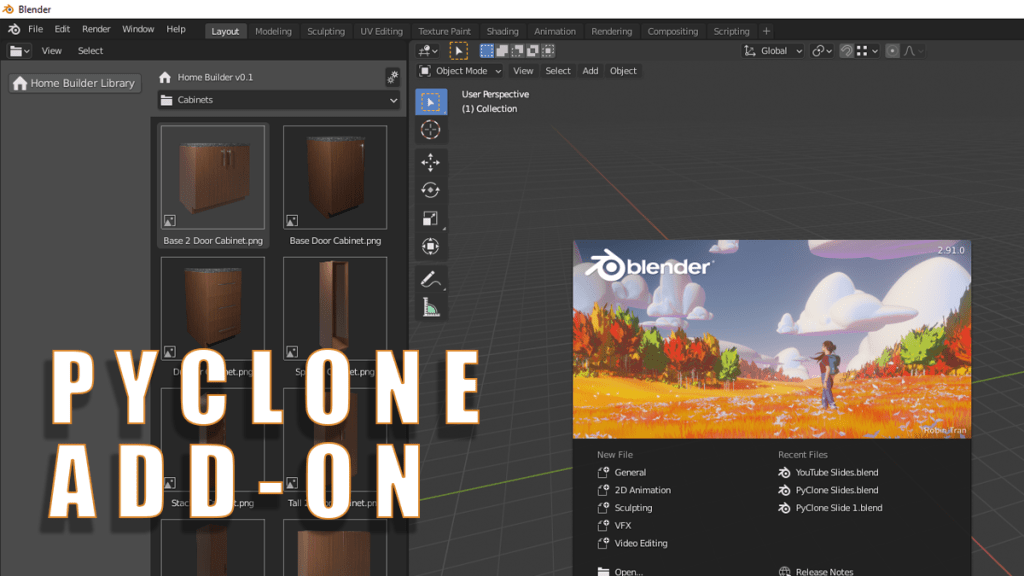
I have recently made a small change to allow the PyClone Libraries to work in the standard version of Blender as an add-on. To enable this download and install PyClone and any libraries that you want to use.

How to Install

  1. Download PyClone
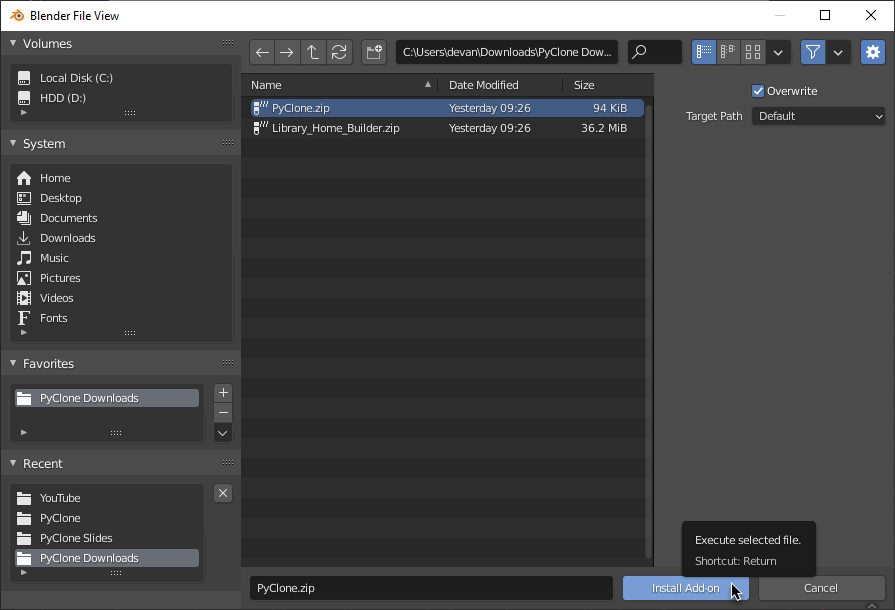
  2. Install PyClone by going to Edit > Preferences. Select the Add-ons tab and click Install.
  3. Browse to the PyClone.zip file you downloaded and click Install Add-on.

Repeat these steps for all of the libraries you want to install, but it is important to install PyClone First because it is responsible for registering the libraries.

Available Libraries

Home Builder Download – This is a library that helps you design interior spaces.

ToyBox – This is a library that allows you to maintain a library of object, materials, collections, and worlds.

18 responses to “PyClone Add-on for Blender”

  1. […] アドオン化してくれて嬉しい…ダウンロードはこちら:PyClone Add-on for Blender – Creative Designer無料のライブラリもダウンロード出来ます。 […]

    Like

  2. Buddy Avatar
    Buddy

    Wow, what a wonderful gift this xmas from you and Blender!!!! You’re AWESOME dude!

    Liked by 1 person

    1. Andrew Peel Avatar

      I am hoping to release some more “gifts” before the end of the year.

      Like

  3. daichimax Avatar

    Thanks again for sharing your invaluable knowledge!
    I wish you the best in this New Year 2021-PyClone .

    Liked by 1 person

  4. JC M Avatar
    JC M

    Is anyone else having cabinet doors and passage doors come in with reversed normals and extra hardware? I had PyClone 2.90 installed and that worked fine. Am I missing a setting or something with this new add-on version?

    Like

    1. Andrew Peel Avatar

      Make sure that auto run python scripts is turned on in the user preferences. Then restart the application.

      Like

      1. JC M Avatar
        JC M

        Thank you. That fixed it.

        Like

  5. solarfox3 Avatar

    I adore the program and I’m hooked but the undo causes crashes for me but it might be my budget PC. Besides, from crashes on my end. I adore it, you given us something truly majestic.

    Liked by 1 person

    1. Andrew Peel Avatar

      Yeah undo has been causing issues for many users. I’m hoping to get this fixed soon. Thanks for the feedback.

      Like

  6. Paul Summers (@fluiddesigner) Avatar

    If you are interested in 3D Printing you can find a load of assets that work with PyClone @ https://fluiddesigner.co.uk/download/ These assets are almost exclusively Curve objects many of which are generated with parametric equations.

    Liked by 1 person

    1. Andrew Peel Avatar

      I really like your 3D printing assets. Really great use of PyClone!

      Like

  7. Romanna Avatar
    Romanna

    I installed the addon and the libraries (Blender 2.92) but when I drag the object from the library preview to the viewport, it imports it as a .png image, not as an object. Also, when I add new objects to the toy box library, the previews aren’t generated, the library looks empty.

    Like

    1. Romanna Avatar
      Romanna

      Everything works fine with your custom pyclone blender build but not with the addon

      Like

      1. till Avatar

        Hey Romanna.
        Watch the Video: https://www.youtube.com/watch?v=L-SoaYMss4A

        Drag and Drop is not working with the Add-On. Just select the element you want to place, then move the mouse in the coordinate system and press “p” to place it.

        Liked by 1 person

  8. Obidxon Avatar
    Obidxon

    Pyclone 2.91 sending the website please

    Like

  9. narayan Avatar
    narayan

    If I use the download links for the libraries (homebuilder and toybox), I get different zip files as compared to the latest files at GitHub.

    Are they supposed to be different? If yes, what is the difference?

    Like

  10. tigran86 Avatar

    shows an error when trying to add Home Builder LIbrary

    Like

    1. Andrew Peel Avatar

      This version will only work in Blender 2.93. Try Home Builder 3. It can be found here. https://creativedesigner3d.com/2023/03/03/home-builder-3/

      Like

Leave a reply to solarfox3 Cancel reply