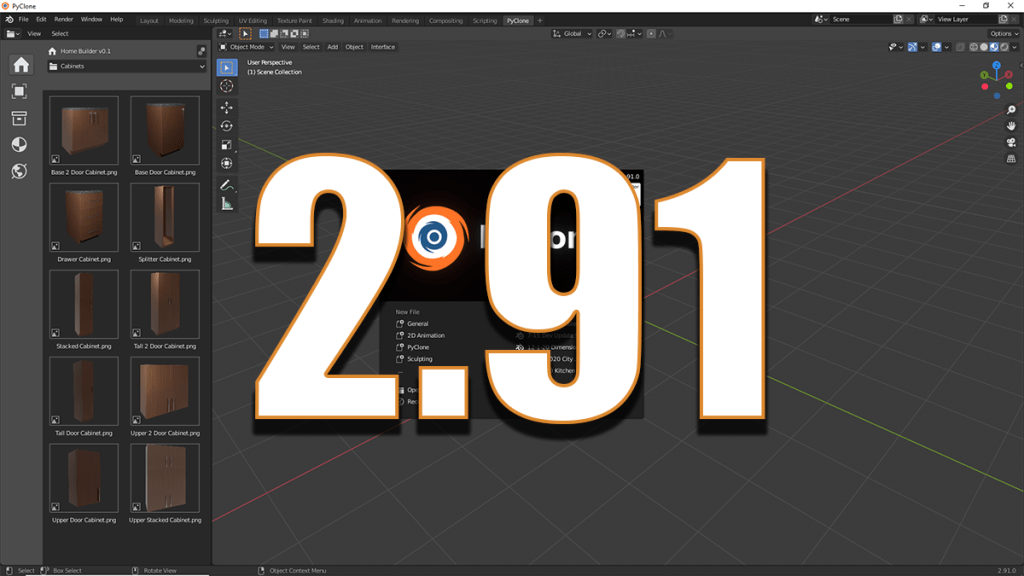
New Release PyClone 2.91

1–2 minutes

The new release of PyClone is available!

The download can be found here.

The focus on this release was upgrading to Blender 2.91 and fixing some common issues that were reported from the first release.

Release Notes

General

  • Updated to Blender 2.91
  • Included config directory with default startup and userpref file. (This makes it so when you startup the application for the first time it is ready to go, and it won’t interfere with default Blender settings.
  • Fixed Drag and Drop when linked assets are in the scene

Home Builder

  • Fixed pointer assignment to avoid errors on startup.
  • Fixed menu names to avoid warnings on startup.
  • Added Wall Command to allow users an easier way to edit the wall mesh.
  • Fixed error when accessing floor prompts with no material assigned.

What’s Next

Before I focus on new features and extending the available assets in the Home Builder Library. I am going to focus more time on creating tutorial context, so others can begin developing their own library of assets that work with PyClone.

After I have released all of the essential training information I will be launching a Patreon to help provide users who want to support the project with more high quality training information.

OSArch Presentation

I will be giving an online presentation on PyClone and Home Builder for the OSArch Community on Dec 5th 2020. Check the link below for the exact time and place.

The Open-Source Architecture Community brings together like-minded users and developers who share a common goal: that the built environment can be designed, constructed, operated, and recycled with free/libre and open-source software, with increased transparency, and a more ethical approach.

If you are interested check out the website.

OSARCH Website

Presentation Link

8 responses to “New Release PyClone 2.91”

  1. Rohit Sakharpekar Avatar
    Rohit Sakharpekar

    Can we import 3DS max file in this

    If not i have one script which is pretty well to import 3DS Files with textures
    (just need some improvement)

    in my case FBX is not working in quick import
    please check yours

    Like

  2. Wansoo Kim Avatar
    Wansoo Kim

    I can’t use GPU compute, is there a solution?

    Like

  3. Wansoo Kim Avatar

    Resolved by changing CUDA settings.

    Like

  4. robert lauzon Avatar
    robert lauzon

    cannot open the homebuilder library for file done before december
    it just not give me nothing to add on to the file.when i try to check homebuilder in preferences to give me those options it says error track—

    Like

    1. Andrew Peel Avatar

      I would need to see the error message. Can you ask on the discord channel? It’s easier for me to do support on that.

      Like

      1. robert lauzon Avatar
        robert lauzon

        file c:\program files\blender foundation\blender 2.91\2.91\scripts\modules\addon_utils.py”,line351,in enable
        mod=_import_(module_name)
        File”C:\program files\blender foundation\blender 2.91\2.91\scripts\addons\library_home_builder\_init_.py,line7,in
        from.import home_builder_ops
        File”C:\program files\blender foundation\blender 2.91\2.91\scripts\addons\Library_Home_builder_ops.py”line 28,in
        from reportlab.pdfen import canvas
        module not found error:no module named’reportlab’
        thanks for looking at it
        keep the good work
        do not know (discord channel) give me an address

        Like

      2. Andrew Peel Avatar

        It looks like you are using standard Blender and not the PyClone Build. I will release a version that works with standard Blender soon. The error is because you are missing a python package I have included to generate pdf reports if you copy the packages from 2.91/python to the build you are using it should work.

        Discord Channel – https://discord.gg/yxZSbtJFkw

        Like

  5. Marc Carlo Vendvil Avatar
    Marc Carlo Vendvil

    What is the liscense of this software? Could I sell scenes/rooms created with pyclone and homebuilder library? If this is already answered in a FAQ I am sorry I can’t seem to see it.

    Like

Leave a comment